API Testing & Automation Training with Postman, Newman, GitHub & Jenkins – REST, SOAP & CI/CD– Live Training
(Master API Testing from Basics to Advanced with Hands-on Automation, AI (Postbot), CI/CD Integration & Real-Time Projects)
Master API Testing & Automation with this comprehensive, hands-on training designed to take you from beginner to advanced level. This course provides a deep understanding of how modern applications communicate using APIs and how to test them effectively using industry-standard tools.
You will start with the fundamentals of API basics, HTTP/HTTPS protocols, client-server architecture, and 3-tier application design, building a strong foundation in backend testing concepts. As you progress, you will explore different types of APIs including REST, SOAP, GraphQL, and understand their real-world use cases in enterprise applications.
The course is highly practical and focuses on real-time implementation using tools like Postman, Swagger, Newman, GitHub, and Jenkins. You will learn how to design API test plans, create reusable test cases, and perform various types of testing such as functional, regression, performance, and end-to-end API testing.
A key highlight of this course is API Automation using Postman, where you will write JavaScript-based assertions, implement data-driven testing using CSV and JSON, and execute tests using the Newman CLI for non-GUI automation. You will also gain hands-on experience in integrating API tests with CI/CD pipelines using Jenkins and version control using GitHub.
Additionally, you will explore modern advancements like Postman AI (Postbot) to generate automation scripts using prompt engineering, making your testing process faster and more efficient.
By the end of this course, you will be able to confidently test APIs, automate workflows, debug issues, and work on real-world projects, making you job-ready for roles like API Tester, QA Engineer, and Automation Test Engineer.
PRE-REQUISITES:
Good understanding of:
- Client Server architecture
- Web Services/APIs
- Basic knowledge of HTTPS protocol
- Basic understanding of HTTP methods
Why Choose This API Testing & Automation Training with Postman, Newman, GitHub & Jenkins – REST, SOAP & CI/CD Course?
- Complete End-to-End API Testing Training – From basics like HTTP, APIs to advanced automation & CI/CD
- Hands-on Practical Learning – Real-time projects using Postman, Swagger, Newman & Jenkins
- Covers REST, SOAP & GraphQL APIs – Learn all major API architectures
- Automation + Manual Testing – Build strong testing foundation
- CI/CD Integration – Learn Jenkins, GitHub & automation pipelines
- AI-Powered Testing – Work with Postman Postbot (Generative AI)
- Performance & Load Testing – Execute real-world API testing scenarios
- Data-Driven Testing – Using CSV, JSON & dynamic data
- Industry-Relevant Skills – Designed for real job requirements
- Beginner to Advanced Level – No prior API knowledge required
About the Instructor:
| Madhu Kiran is an ITIL qualified Full Stack SDET specialist, Corporate Trainer and Consultant with over 19 years of experience in leading & delivering corporate training with tangible direction to IT professionals by imparting white-box knowledge in Software Testing, Test Automation, Test Practices & Competencies, Corporate Trainings & TCoE Delivery.
We cannot be good at something unless we like it and have fun doing it. The approach I take in my training sessions is to get the participants excited about technology and make it entertaining. I would like to consider myself an “Entertrainer”. → Successfully trained 6000+ employees across 500+ corporate giants & is still counting → Has been a trainer for both in-house as well as public, corporate programs and has streamlined the development of training material and training process for QA related areas, across corporate clientele and contributing to bottom line customer satisfaction |
Sample Videos:
“API Postman course: API Automation Testing with Postman, Newman, Postbot (AI), Jenkins & Github”-Demo Video
“API Postman course: API Automation Testing with Postman, Newman, Postbot (AI), Jenkins & Github”-Day 1 Video
Live Sessions Price:
For LIVE sessions – Offer price after discount is 129 USD 109 89 USD Or USD15000 INR 9900 INR 6900 Rupees.
OR
Free Demo Session:
15th June @ 9:00 PM – 10:00 PM (IST) (Indian Timings)
15th June @ 11:30 AM – 12:30 PM (EST) (U.S Timings)
15th June @ 4:30 PM – 5:30 PM (BST) (UK Timings)
Class Schedule:
For Participants in India: Monday to Friday @ 9:00 PM – 10:00 PM (IST)
For Participants in the US: Monday to Friday @ 11:30 AM – 12:30 PM (EST)
For Participants in the UK: Monday to Friday @ 4:30 PM – 5:30 PM (BST)
What student’s have to say about Trainer :
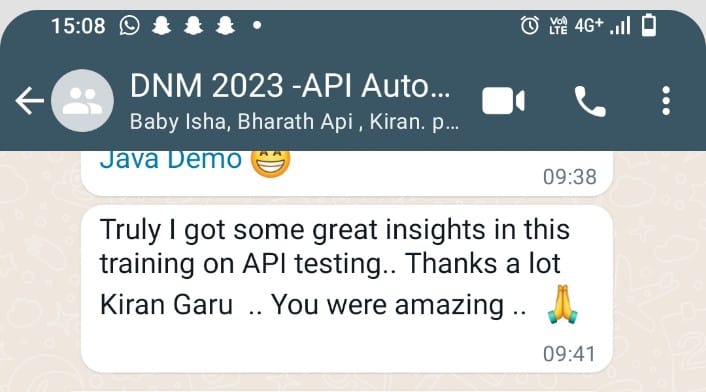
| Truly I got some great insights in this training on API testing.. Thanks a lot Madhu Kiran Garu .. You were amazing .. – Prasad
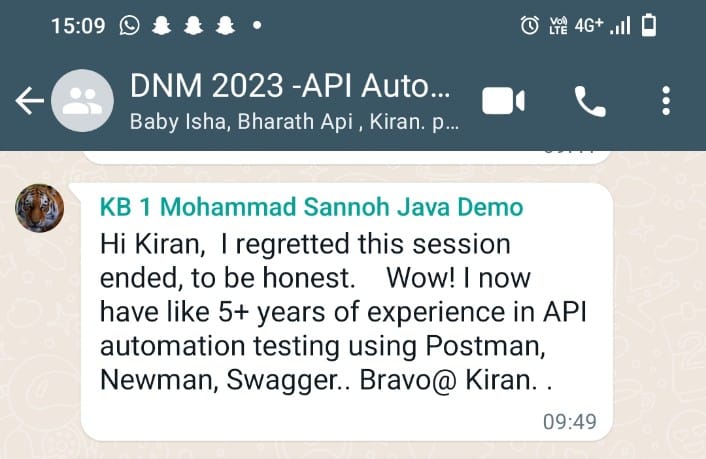
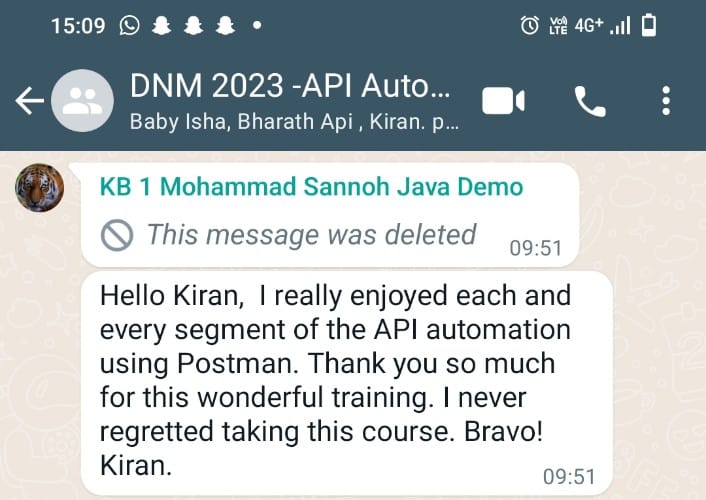
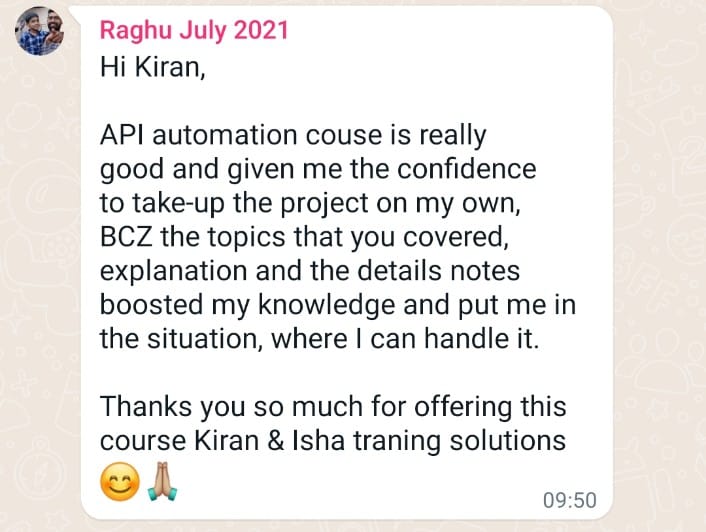
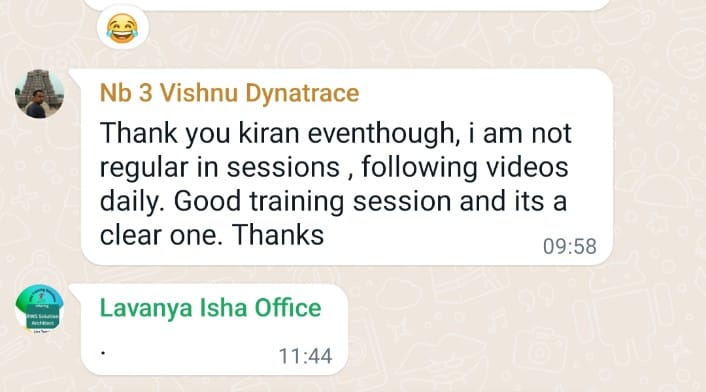
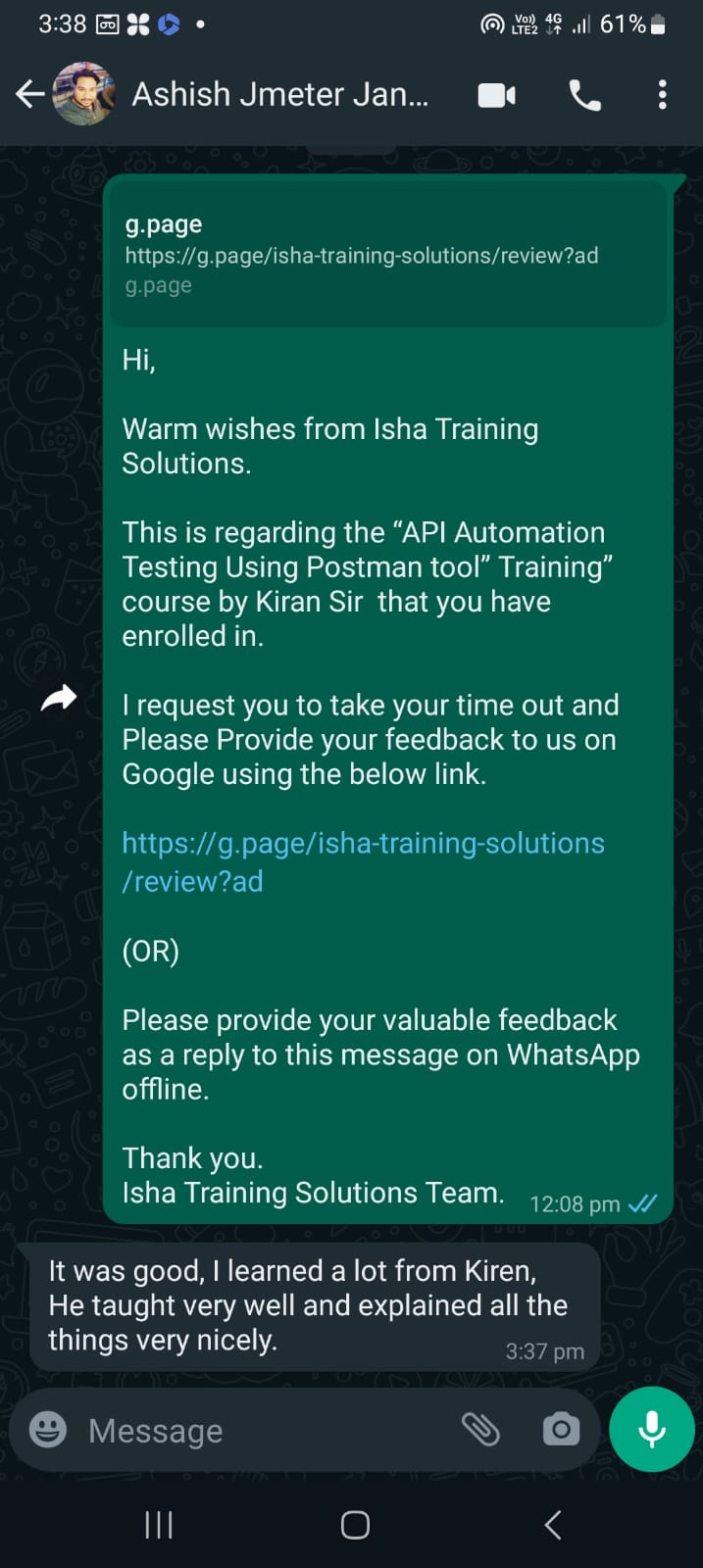
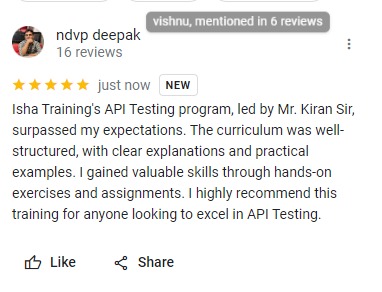
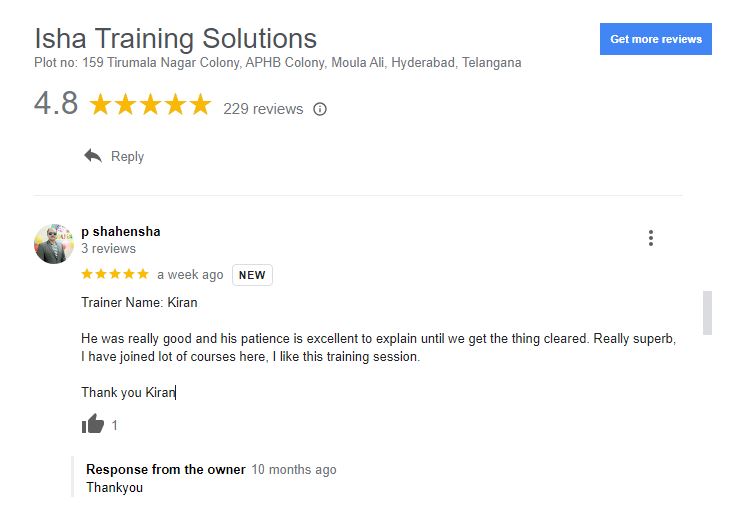
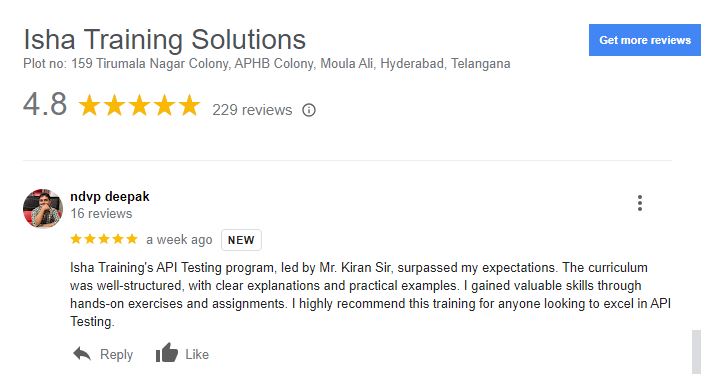
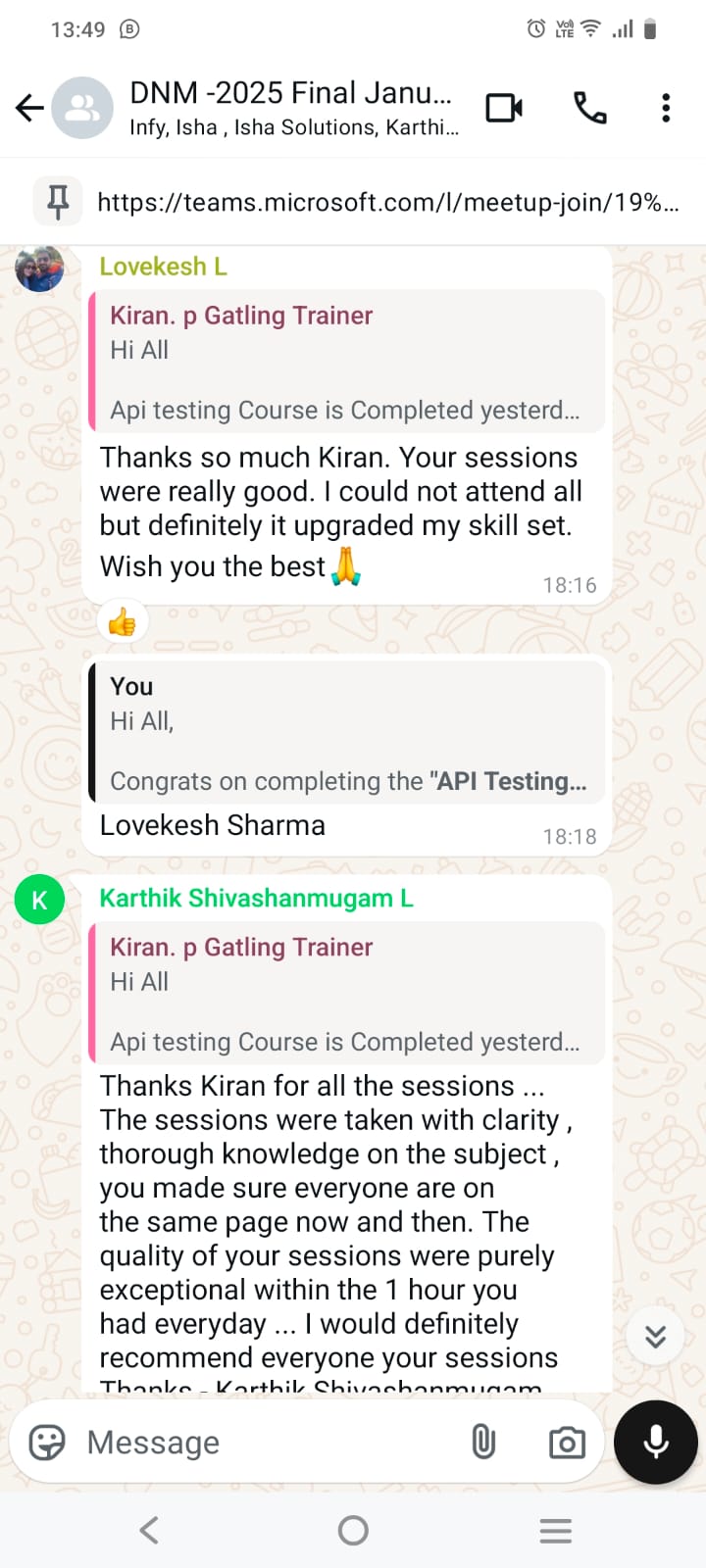
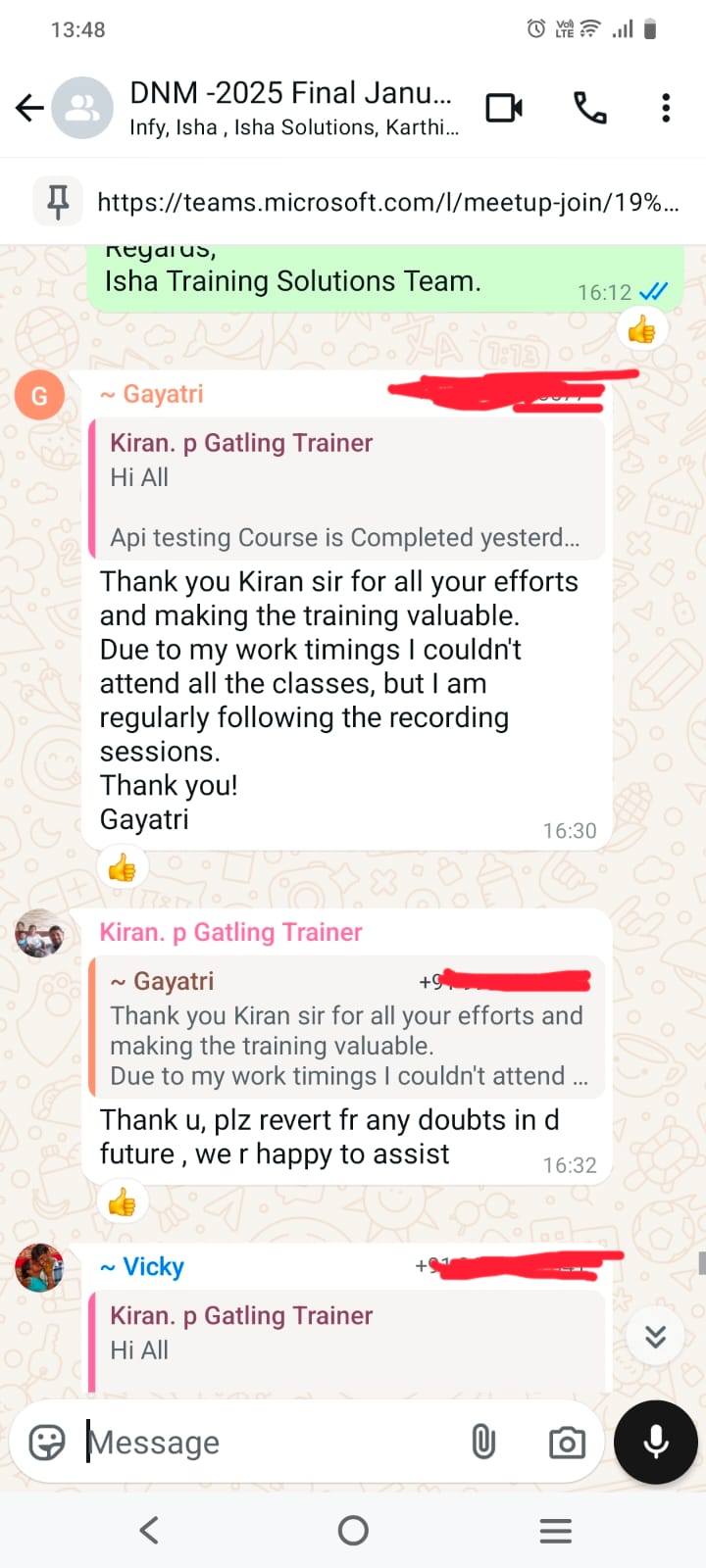
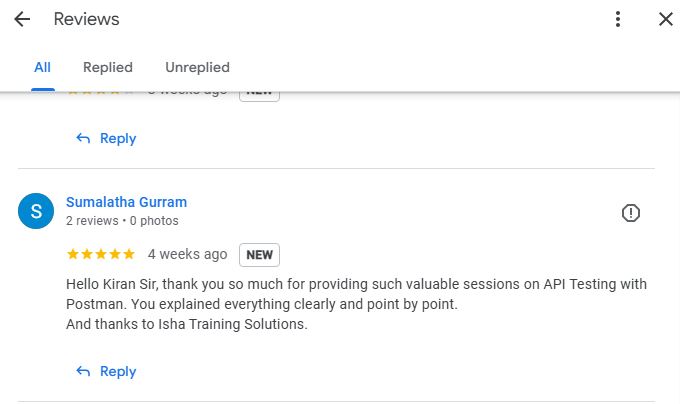
Hello Kiran Sir, thank you so much for providing such valuable sessions on API Testing with Postman. You explained everything clearly and point by point. And thanks to Isha Training Solutions. – Sumalatha Gurram Thank you, Rahul Sir, for your guidance and support. Your teaching style is clear and helpful, and I really appreciate the effort you put into explaining concepts. I would happily give you a 4.5 rating for your dedication and encouragement. – Gaurav Nag I wanted to take a moment to share my feedback regarding the API Automation (using Postman tool) course that I recently completed at Isha Training Solutions. I must say that my experience was exceptional. One of the best training sessions I had was with Madhu Kiran. He explained all end-to-end concepts from novice to advanced level. Appreciate your training. – Saravanan Jothilingam I enrolled in Isha Training Solutions to upgrade my technical skills as a manual tester, with a focus on API testing. The training provided by Mr. Madhu Kiran was extraordinary. His approach was methodical, with a slow and steady pace that ensured I grasped each concept thoroughly. The detailed notes and hands-on experience were invaluable, allowing me to practically apply what I learned. Mr. Madhu Kiran made sure we understood every step before progressing to the next topic, ensuring a strong foundation in API testing. I highly recommend Isha Training Solutions for anyone looking to enhance their skills in this area. – Raziya Begum Thanks Madhu Kiran for all the sessions … The sessions were taken with clarity , thorough knowledge on the subject , you made sure everyone are on the same page now and then. The quality of your sessions were purely exceptional within the 1 hour you had everyday … I would definitely recommend everyone your sessions Thanks – Karthik Shivashanmugam Loganathan Thank you Madhu Kiran sir for all your efforts and making the training valuable. Due to my work timings I couldn’t attend all the classes, but I am regularly following the recording sessions. Thank you! – Gayatri Thank you Madhu Kiran for the comprehensive sessions even from the very basics ! Enjoyed the sessions thoroughly !!! – Vicky Thanks so much Madhu Kiran. Your sessions were really good. I could not attend all but definitely it upgraded my skill set. Wish you the best🙏 – Lokesh Hi Madhu Kiran, I regretted this session ended, to be honest. Wow! I now have like 5+ years of experience in API automation testing using Postman,Newman, Swagger.. Bravo@ Madhu Kiran. . I really enjoyed each and every segment of the API automation using Postman. Thank you so much for this wonderful training. I never regretted taking this course. Bravo! Madhu Kiran.- Mohammad Sannoh Hi Madhu Kiran, API automation couse is really good and given me the confidence to take-up the project on my own, BCZ the topics that you covered, explanation and the details notes boosted my knowledge and put me in the situation, where I can handle it. – Raghu Trainer Name: Madhu Kiran, He was really good and his patience is excellent to explain until we get the thing cleared. Really superb, I have joined lot of courses here, I like this training session. – p shahensha Isha Training’s API Testing program, led by Mr. Madhu Kiran Sir, surpassed my expectations. The curriculum was well-structured, with clear explanations and practical examples. I gained valuable skills through hands-on exercises and assignments. I highly recommend this training for anyone looking to excel in API Testing. – ndvp deepak Thank you Madhu kiran eventhough, i am not regular in sessions , following videos daily. Good training session and its a clear one. Thanks – Vishnu Isha Training’s API Testing program, led by Mr. Madhu Kiran Sir, surpassed my expectations. The curriculum was well-structured, with clear explanations and practical examples. I gained valuable skills through hands-on exercises and assignments. I highly recommend this training for anyone looking to excel in API Testing. – Deepak It was good, I learned a lot from Kiren, He taught very well and explained all the things very nicely. – Ashish Thanks Madhu Kiran for the Amazing course. This course has very good information from scratch and its really understandable for the people from non automation background as well. – Navaneeth Very nice course. Gave end to end understanding and cover all topics. it helps me to understood concept very well. – Sampath It was great learning experience and able to get lots of knowledge on API. – Shan It was good but facing difficulty in finding the API in resource which is using as examples – Viswanath Its always good to see Madhu Kiran courses to gain more and more knowledge from scratch level to advanced. Go getter!! – Girisha Everything was taught in depth with clear details. The mentor has clearly emphasised the important topics in each video. – Vigni Madhu Kiran is the best teacher I have ever seen. Each and every topic is covered very nice and easy to understand. thank you so much for all of your courses. – Venu |
What will I Learn by the end of this course?
- Strong understanding of API Basics, HTTP, HTTPS, SSL/TLS
- Complete knowledge of Client-Server & 3-Tier Architecture
- Working with REST, SOAP, GraphQL APIs
- Designing API Test Plans & Test Cases
- Performing Functional, Regression & End-to-End API Testing
- Mastering Postman Tool (GUI + Automation)
- Writing JavaScript assertions in Postman
- Performing Data-Driven Testing (CSV, JSON, Faker Library)
- Running API Automation using Newman (CLI)
- Generating HTML, JSON, JUnit Reports
- Integrating API tests with GitHub (Version Control)
- Setting up CI/CD using Jenkins
- Performing Load & Performance Testing
- Working with Swagger & WSDL
- Using Postman AI (Postbot) for automation scripts
- Debugging & troubleshooting API issues
- Handling real-time API projects & workflows
Salient Features:
- 20 Hours of Live Training along with recorded videos
- Lifetime access to the recorded videos
- Course Completion Certificate
Who can enroll in this course?
- Freshers looking to start a career in Software Testing / QA
- Manual Testers who want to move into API Automation Testing
- Automation Testers wanting to enhance skills in Postman & CI/CD
- Developers who want to learn API validation & testing
- DevOps Engineers interested in API monitoring & automation
- Anyone interested in backend testing & microservices testing
- Students from IT/CS background
- Professionals looking to switch into high-demand QA roles
Course syllabus:
CHAPTER 1:
INTRODUCTION TO API BASICS, CLIENT-SERVER ARCHITECTURE MODEL & 3 TIER ARCHITECTURE MODEL
- What are APIs and the use of an API in an enterprise application along with API examples
- Introduction to data description formats and their usage in API calls across enterprise applications
- Introduction to Client & Server architecture
- API Request & API Response
- HTTP & HTTPS protocols
- SSL & TLS protocols
- Hand-shake process
- HTTP Methods/HTTP verbs
- HTTP Request Headers
- HTTP Response Headers
- Response Codes & Description
- Safe HTTP methods vs Unsafe HTTP methods
- GET
- POST
- PUT/PATCH
- DELETE
- Practical example for demonstrating client & server architecture model
- Discussion on 3-layer architecture of an enterprise application i.e., front-end, back-end & server/database
- Where does an API reside i.e., middle-ware layer/business layer in an enterprise application
CHAPTER 2:
EVOLUTION OF APIs, CLASSIFICATION OF APIs & EXAMPLES OF APIs
- Introduction to API architecture/Web-Services and evolution history
- XML-RPC API [REMOTE PROCEDURE CALLS]
- SOAP API [SIMPLE OBJECT ACCESS PROTOCOL – APPLICATION PROGRAMMING INTERFACE] & WSDL
- REST API [REPRESENTATIONAL STATE TRANSFER – APPLICATION PROGRAMMING INTERFACE]
- GRAPH-QL [GRAPH QUERY LANGUAGE]
- Understanding the classification of APIs
- Public/Consumer APIs
- Private/Enterprise APIs
- Secured/Authenticated APIs
- Unsecured/Unauthenticated APIs
- Differences between SOAP APIs vs RESTful APIs vs GRAPH-QL APIs
- Describing the API Syntax –> Understanding HTTP Method, Protocol, API URI, End points, Query Parameters, Resources, Request body, Authentication type, Request Headers
- Live examples available on public internet for RESTful APIs, SOAP APIs, Graph-QL APIs & WebSocket’s
CHAPTER 3:
API TEST PLAN, API TEST CASES DESIGN & API TESTING TECHNIQUES
- Learn practically on various API testing techniques
- Response code testing
- Response body testing
- Response time testing
- Response headers testing
- Interoperability testing
- Assertions testing [java scripts]
- Data driven testing [postman functions]
- Data driven testing [csv & json]
- Performance/load testing
- Continuous testing/api monitors
- Api chaining testing
- END2END API USER JOURNEY TESTING
- Command line /non-gui testing [newman tool]
- Unsupported http methods testing
- Broken end points testing
- Payload tampering testing
- Creating a reusable API Test Plan
- Creating reusable test cases for APIs testing across SOAP APIs, REST APIs
CHAPTER 4:
INTRODUCTION & INSTALLATION OF POSTMAN TOOL [HANDS-ON-EXERCISE]
- Introduction to Postman GUI tool
- Why Postman for API Testing ?
- Installation of Native Postman client
- Accessing Postman on web browser
- Sign up & Sign in process to Postman tool
- Walk-through of Postman tool GUI tour
CHAPTER 5:
UNDERSTANDING POSTMAN HIERARCHY & EXPLORING POSTMAN WORKSPACES [HANDS-ON-EXERCISE]
- Understanding Postman hierarchy of elements
- What is a Workspace in Postman
- An introduction to Workspaces visibility (Personal, Team, Public)
- How to create, delete Workspaces
- Conversion of workspaces visibility
- Invite team members to Workspaces using 3 approaches [Email, Bulk-Invite, Send Invite]
- Collaboration between Workspaces
- Discovering public collections on Postman
CHAPTER 6:
AUTOMATION OF REST APIs USING POSTMAN TOOL & SWAGGER TOOL [HANDS-ON-EXERCISE]
- Understanding the project API documentation in Swagger tool
- Executing the APIs in Swagger tool for Unit Testing
- Setting up a REST API project in a workspace with collections & folders structure in Postman tool
- Introduction to Collections: Creating, Deleting & Execution of Collections with and without folders structure
- Understanding the REST API project that uses HTTP methods such as GET, POST, PUT, PATCH, DELETE
- Development of Postman tool testing framework in the Postman workspace
- Positive/Smoke Test Cases
- Negative/Regression Test Cases
- Saving API responses with Postman tool using save to a file, send & download
- Validating Response Code, Response Description, Response Body, Response Cookies, Response Time, Response Size, HTTP Request Headers, HTTP Response Headers, Network
- Writing Java-Scripts in Postman tool to validate the server API response
- Introduction to Collection Runner & Introduction to Collection- Change log
- Introduction to Collection Results – View/Download/Delete Historical Collection runs
- Running the entire REST API collection to generate API test report in .JSON format
- Conducting Data driven automation testing on APIs using
- Postman faker library to generate dynamic/random test data
- External data sources such as CSV [comma separated value] & JSON [java script object notation]
- Conducting Interoperability testing on APIs by customizing
- User-Agent HTTP request header to simulate various OS and browser(s) version(s)
- Conducting Performance/Load testing of APIs by creating vUsers to execute for fixed duration using
- Fixed strategy
- Ramp-up strategy
- Spike strategy
- Peak strategy
- How to introduce & add constant delays during API functional test execution
- At collection level
- At API request level
- Conducting continuous or scheduled testing using Postman monitors for API health check
- Single iteration
- Multiple iterations – DataDrivenTesting
- Conducting different types of assertions using Postman built-in Java Script code snippets
- Response code & message assertion
- Response time assertion
- Response body assertion [contains, not contains]
- Response headers assertion [contains, not contains]
- JSON value check assertion
- ENUM value check assertion
- Converting XML to JSON
- Conditional statements
- Skipping test scripts execution
- Introducing delay btw test cases execution at API or collection level
- Data types check assertion
- Printing response attributes
- Printing request attributes
- Array JSON objects assertion
- Cookies assertion
- Asserting CSV iteration data during data driven automation testing
- Asserting for 2xx, 4xx, 5xx responses
- Asserting for not expecting 2xx, 4xx, 5xx responses
- Asserting for multiple response codes
- Conducting API chaining tests to pass the response of an API as request to another dependent API
- Conducting E2E User Journey API tests to evaluate the business logic & intelligence of the FE application
- Writing Java scripts to automate request workflows in Postman i.e., simple sequence of API service executions
CHAPTER 7:
AUTOMATION OF SOAP APIs USING POSTMAN TOOL [HANDS-ON-EXERCISE]
- Understanding the project API documentation in WSDL/XML format
- Setting up a SOAP API project in a workspace with collections & folders structure in Postman tool
- Development of Postman tool testing framework in the Postman workspace
- Positive/Smoke Test Cases
- Negative/Regression Test Cases
- Configuring the SOAP APIs in Postman tool
- Validating Response Code, Response Description, Response Body, Response Cookies, Response Time, Response Size, HTTP Request Headers, HTTP Response Headers, Network
- Writing Java-Scripts in Postman tool to validate the server API response
- Running the entire SOAP API collection to generate API test report in .JSON format
- Conducting Data driven automation testing on APIs using
- Postman faker library to generate dynamic/random test data
- External data sources such as CSV [comma separated value] & JSON [java script object notation]
- Conducting Interoperability testing on APIs by customizing
- User-Agent HTTP request header to simulate various OS and browser(s) version(s)
- Conducting Performance/Load testing of APIs by creating vUsers to execute for fixed duration using
- Fixed strategy
- Ramp-up strategy
- Spike strategy
- Peak strategy
- How to introduce & add constant delays during API functional test execution
- At collection level
- At API request level
- Conducting continuous or scheduled testing using Postman monitors for API health check
- Single iteration
- Multiple iterations – DataDrivenTesting
- Conducting different types of assertions using Postman built-in Java Script code snippets
- Response code & message assertion
- Response time assertion
- Response body assertion [contains, not contains]
- Response headers assertion [contains, not contains]
- ENUM value check assertion
- Converting XML to JSON
- Conditional statements
- Skipping test scripts execution
- Introducing delay btw test cases execution at API or collection level
- Data types check assertion
- Printing response attributes
- Printing request attributes
- Array JSON objects assertion
- Cookies assertion
- Asserting CSV iteration data during data driven automation testing
- Asserting for 2xx, 4xx, 5xx responses
- Asserting for not expecting 2xx, 4xx, 5xx responses
- Asserting for multiple response codes
CHAPTER 8: INTEGRATION OF POSTMAN AI AGENT WITH POSTMAN TOOL [HANDS-ON-EXERCISE]
- Enabling the Postman AI integration in Postman Settings
- Using Postman AI agent, importing Swagger API documentation & writing java-scripts to validate API response
- Using Postman AI agent, importing cURL API documentation & writing java-scripts to validate API response
- Using Postman AI agent, importing APIs from HTML API documentation & writing java-scripts to validate API response
- Using Postman AI agent, importing APIs from a UI application & writing java-scripts to validate API response
- Using Postman AI agent, importing SOAP APIs & writing java-scripts to validate API response
- Using Postman AI agent, importing Graph-QL APIs & writing java-scripts to validate API response
- Learn how to use ‘Ask AI’ feature in Postman at API level, folder level, collection level to write java-scripts
CHAPTER 9:
INTEGRATION OF POSTMAN TOOL WITH GITHUB TOOL [HANDS-ON-EXERCISE]
- Understanding the Git tool & its usage
- Installation of Git tool
- Understanding of Github tool & its usage
- Creating an account in Github tool
- Creating a Github repo for backing up & version control management of API automation in Postman tool
- Executing the Git commands to track, stage, commit & push the data from Git local repo to Github remote repo
- Practical demo & usage of the integration from Postman tool to Github tool
- Practical demo & usage of the integration from Github tool to Postman tool
CHAPTER 10:
INTEGRATION OF POSTMAN TOOL WITH NEWMAN TOOL [NON-GUI/CLI] [HANDS-ON-EXERCISE]
- Introduction to Postman add-on “Newman” framework
- What is Newman tool
- How to use Newman tool
- Reporting advantages of Newman
- Integration advantages of Newman
- Installing the pre-requisites: NodeJS, NPM, Newman tool & HTMLExtra & CSV capabilities
- Learn how to use command line/Non-GUI execution of REST & SOAP APIs using Newman framework
- Exploring and execution of all Newman CLI commands to conduct below API automation tests
- API Functional testing
- API Load testing
- API Data Driven testing
- Learn how to generate the below API test report(s) using Newman tool
- JSON Test Report
- HTML Extra Test Report
- JUNIT/XML Test Report
- CLI Test Report
- CSV Test Report
CHAPTER 11:
INTEGRATION OF POSTMAN TOOL WITH JENKINS TOOL [CI/CD/CT] [HANDS-ON-EXERCISE]
- Understanding what CI/CD/CT process is
- Download of Java JDK v11/v17/v21 for Jenkins compatibility
- Download of Jenkins.war file
- Setup of Jenkins on localhost to run at port:8080
- Installation of Jenkins plugins
- Creating the Jenkins Free-style job project
- Configuring the Jenkins job to integrate with Postman automation project
- Scheduling the Jenkins job with various CRON JOBS as desired to run automatically at scheduled day/time
- Scheduling the Jenkins job to trigger email notifications upon Jenkins job failures/errors
CHAPTER 12: EXPLORING IMPORT FEATURE IN POSTMAN [HANDS-ON-EXERCISE]
- What is Import feature in Postman
- Import RESTful APIs & collections into Postman
- Import SOAP APIs using WSDL file into Postman
- Import Swagger APIs 2.0 to Postman using JSON raw text
- Import Swagger APIs 2.0 to Postman using JSON link
- Import REST APIs to Postman using YAML file schema
- Import REST APIs to Postman using JSON file schema
- Import a HAR file to Postman
- Import a GitHub repo that contains RESTful collection to Postman
- Import a cURL snippet or file to Postman
CHAPTER 13: EXPLORE THE TYPES & USAGE OF POSTMAN VARIABLES [HANDS-ON-EXERCISE]
- What is a variable and the syntax of a variable in Postman
- Types of Postman variables & their practical usage
- Collection Variables
- Global Variables
- Environment Variables
- Learn different approaches to create Postman variables
- Step by Step setup approach
- Manual creation approach
- Using Java Scripts approach [GET, SET, CLEAR]
CHAPTER 14: TROUBLESHOOTING, DEBUGGING & SETTINGS IN POSTMAN TOOL [HANDS-ON-EXERCISE]
- Understanding the Postman History feature & its usage
- Move Collections between Workspaces
- Share Collections [to internal workspaces and to external user accounts workspaces]
- Introduction to Postman console
- Explore Postman Settings [General, Themes, Shortcuts, Data, Add-ons, Certificates, Proxy, Update, About]
CASE STUDY/ASSIGNMENT
- Postman Tool hands on assignments against a RESTful APIs, SOAP APIs
- API objective test assessment & API subjective test assessment, pre/post completion of training
FAQs-API Testing & Automation Training with Postman, Newman, GitHub & Jenkins – REST, SOAP & CI/CD
1.What is API Testing?
API Testing is a type of software testing that validates APIs (Application Programming Interfaces) to ensure they work correctly, securely, and efficiently.
2.Do I need coding knowledge?
Basic knowledge of programming is helpful, but not mandatory. You will learn required JavaScript for Postman during the course.
3.Will I get hands-on practice?
Yes, this course is 100% practical with real-time scenarios, tools, and projects.
4.Which tools will I learn?
You will learn Postman, Swagger, Newman, GitHub, Jenkins, and Postbot AI.
5.Does this course include automation?
Yes, it covers API Automation using Postman + Newman + CI/CD integration.
6.Is this course suitable for freshers?
Absolutely! It starts from basics and gradually moves to advanced topics.
7.Will I learn CI/CD integration?
Yes, you will learn Jenkins integration and automation pipelines.
8.What job roles can I apply for after this course?
You can apply for roles like:
✔ API Tester
✔ QA Engineer
✔ Automation Test Engineer
✔ Software Test Engineer
How can I enroll for this course?
OR
For any other details, Call me or Whatsapp me on +91-9133190573
Live Sessions Price:
For LIVE sessions – Offer price after discount is 129 USD 109 89 USD Or USD15000 INR 9900 INR 6900 Rupees.
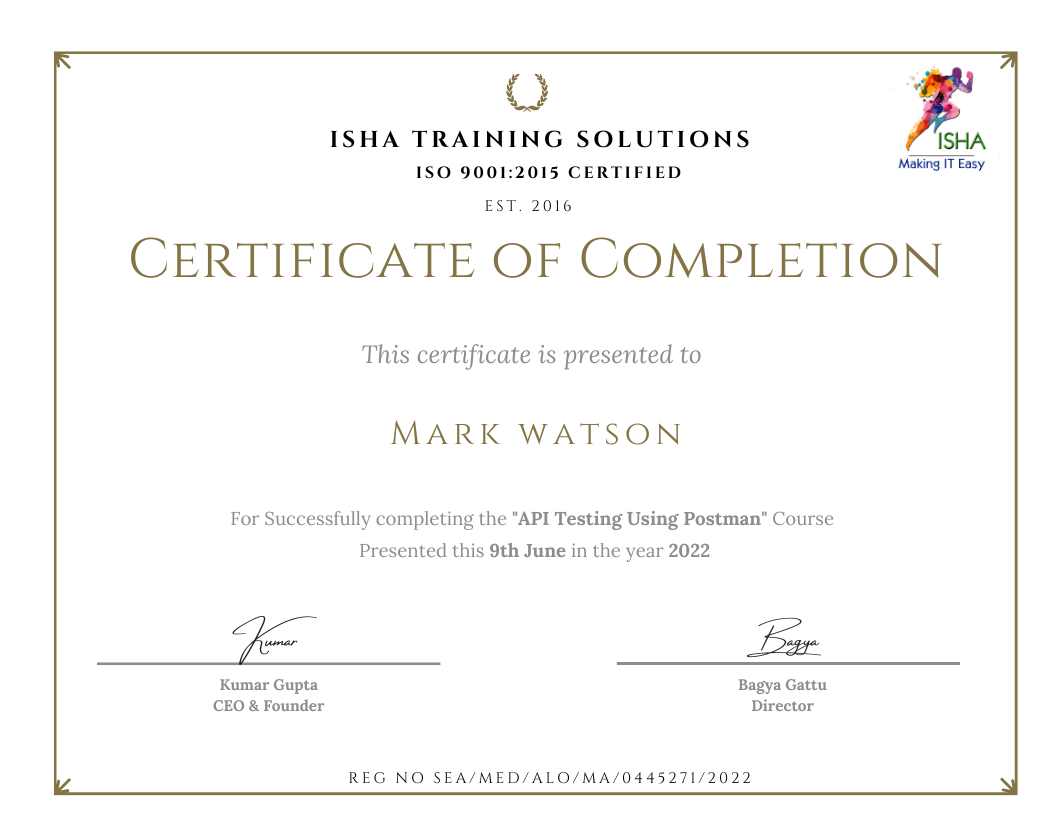
Sample Course Completion Certificate:
Your course completion certificate looks like this……
Note:
To maintain the quality of our training and ensure a smooth learning experience for all participants, we do not allow batch repetition or switching between courses.
To reiterate, moving from one course to another or shifting from one trainer to another (even if it is the same course) is not possible. Changing batches or trainers in any form is strictly not permitted.
We request all learners to attend the scheduled sessions regularly and make the most of their learning journey. Thank you for your understanding and continued support.
Reviews:


Course Features
- Lectures 119
- Quiz 0
- Duration 20 hours
- Skill level All levels
- Language English
- Students 1267
- Assessments Yes
- 15 Sections
- 119 Lessons
- 20 Hours
- Introduction to API Basics, Client Server Architecture Model & 3 Tier Architecture Model7
- 1.1What are APIs and the use of an API in an enterprise application along with API examples
- 1.2Introduction to data description formats and their usage in API calls across enterprise applications
- 1.3Introduction to Client & Server architecture
- 1.4Safe HTTP methods vs Unsafe HTTP methods
- 1.5Practical example for demonstrating client & server architecture model
- 1.6Discussion on 3 layer architecture of an enterprise application i.e., front-end, back-end & server/database
- 1.7Where does an API reside i.e., middle-ware layer/business layer in an enterprise application
- Evolution of API’s, Classification of API’s & Examples of API’s:5
- 2.1Introduction to API architecture/Web-Services and evolution history
- 2.2Understanding the classification of APIs
- 2.3Differences between SOAP APIs vs RESTful APIs
- 2.4Describing the API Syntax –> Understanding HTTP Method, Protocol, API URI, End points, Query Parameters, Resources, Request body, Authentication type, Request Headers, Request Cookies
- 2.5Live examples available on public internet for RESTful APIs, SOAP APIs, Graph-QL APIs & Websockets
- API Test Plan, API Test Cases Design & API Testing Techniques:3
- Introduction & Installation of Postman tool (Hands on experience)6
- Understanding Postman Hierarchy & Exploring Postman Workspaces (Hands on experiences)7
- 5.1Understanding Postman hierarchy of elements
- 5.2What is a Workspace in Postman
- 5.3An introduction to Workspaces visibility (Personal, Team, Public)
- 5.4How to create, delete Workspaces
- 5.5Conversion of workspaces visibility
- 5.6Invite team members to Workspaces using 3 approaches [Email, Bulk-Invite, Send Invite]
- 5.7Collaboration between Workspaces
- AUTOMATION OF REST APIs USING POSTMAN TOOL & SWAGGER TOOL [HANDS-ON-EXERCISE]19
- 6.1Understanding the project API documentation in Swagger tool
- 6.2Executing the APIs in Swagger tool for Unit Testing
- 6.3Setting up a REST API project in a workspace with collections & folders structure in Postman tool
- 6.4Introduction to Collections: Creating, Deleting & Execution of Collections with and without folders structure
- 6.5Understanding the REST API project that uses HTTP methods such as GET, POST, PUT, PATCH, DELETE
- 6.6Development of Postman tool testing framework in the Postman workspace
- 6.7Saving API responses with Postman tool using save to a file, send & download
- 6.8Validating Response Code, Response Description, Response Body, Response Cookies, Response Time, Response Size, HTTP Request Headers, HTTP Response Headers, Network
- 6.9Writing Java-Scripts in Postman tool to validate the server API response Introduction to Collection Runner & Introduction to Collection- Change log
- 6.10Introduction to Collection Results – View/Download/Delete Historical Collection runs
- 6.11Running the entire REST API collection to generate API test report in .JSON format
- 6.12Conducting Data driven automation testing on APIs using
- 6.13Conducting Interoperability testing on APIs by customizing
- 6.14Conducting Performance/Load testing of APIs by creating vUsers to execute for fixed duration using
- 6.15How to introduce & add constant delays during API functional test execution
- 6.16Conducting different types of assertions using Postman built-in Java Script code snippets
- 6.17Conducting continuous or scheduled testing using Postman monitors for API health check
- 6.18Conducting API chaining tests to pass the response of an API as request to another dependent API
- 6.19Conducting E2E User Journey API tests to evaluate the business logic & intelligence of the FE application
- AUTOMATION OF SOAP APIs USING POSTMAN TOOL [HANDS-ON-EXERCISE]13
- 7.1Understanding the project API documentation in WSDL/XML format
- 7.2Setting up a SOAP API project in a workspace with collections & folders structure in Postman tool
- 7.3Development of Postman tool testing framework in the Postman workspace
- 7.4Configuring the SOAP APIs in Postman tool
- 7.5Validating Response Code, Response Description, Response Body, Response Cookies, Response Time, Response Size, HTTP Request Headers, HTTP Response Headers, Network
- 7.6Writing Java-Scripts in Postman tool to validate the server API response
- 7.7Running the entire SOAP API collection to generate API test report in .JSON format
- 7.8Conducting Data driven automation testing on APIs using
- 7.9Conducting Interoperability testing on APIs by customizing
- 7.10Conducting Performance/Load testing of APIs by creating vUsers to execute for fixed duration using
- 7.11How to introduce & add constant delays during API functional test execution
- 7.12Conducting continuous or scheduled testing using Postman monitors for API health check
- 7.13Conducting different types of assertions using Postman built-in Java Script code snippets
- INTEGRATION OF POST-BOT AI FEATURE WITH POSTMAN TOOL [HANDS-ON-EXERCISE]5
- 8.1Enabling the Postman tool integration with generative AI feature ‘Postbot’, in Postman Settings
- 8.2Generating the automation test scripts for the REST APIs & SOAP APIs, using prompt- engineering
- 8.3Generating the automation test scripts for the REST APIs & SOAP APIs, using AI agents
- 8.4Generating the automation test scripts for all REST APIs using collection runner & Post Bot AI feature
- 8.5Generating the automation test scripts for all SOAP APIs using collection runner & Post Bot AI feature
- INTEGRATION OF POSTMAN TOOL WITH GITHUB TOOL [HANDS-ON-EXERCISE]8
- 9.1Understanding the Git tool & its usage
- 9.2Installation of Git tool
- 9.3Understanding of Github tool & its usage
- 9.4Creating an account in Github tool
- 9.5Creating a Github repo for backing up & version control management of API automation in Postman tool
- 9.6Executing the Git commands to track, stage, commit & push the data from Git local repo to Github remote repo
- 9.7Practical demo & usage of the integration from Postman tool to Github tool
- 9.8Practical demo & usage of the integration from Github tool to Postman tool
- INTEGRATION OF POSTMAN TOOL WITH NEWMAN TOOL [NON-GUI/CLI] [HANDS-ON-EXERCISE]5
- 10.1Introduction to Postman add-on “Newman” framework
- 10.2Installing the pre-requisites: NodeJS, NPM, Newman tool & HTMLExtra & CSV capabilities
- 10.3Learn how to use command line/Non-GUI execution of REST & SOAP APIs using Newman framework
- 10.4Exploring and execution of all Newman CLI commands to conduct below API automation tests
- 10.5Learn how to generate the below API test report(s) using Newman tool
- INTEGRATION OF POSTMAN TOOL WITH JENKINS TOOL [CI/CD/CT] [HANDS-ON-EXERCISE]8
- 11.1Understanding what CI/CD/CT process is
- 11.2Download of Java JDK v11/v17/v21 for Jenkins compatibility
- 11.3Download of Jenkins.war file
- 11.4Setup of Jenkins on localhost to run at port:8080
- 11.5Installation of Jenkins plugins
- 11.6Creating the Jenkins Free-style job project
- 11.7Configuring the Jenkins job to integrate with Postman automation project
- 11.8Scheduling the Jenkins job with various CRON JOBS as desired to run automatically at scheduled day/time
- EXPLORING IMPORT FEATURE IN POSTMAN [HANDS-ON-EXERCISE]9
- 12.1What is Import feature in Postman
- 12.2Import RESTful APIs & collections into Postman
- 12.3Import SOAP APIs using WSDL file into Postman
- 12.4Import Swagger APIs 2.0 to Postman using JSON raw text
- 12.5Import Swagger APIs 2.0 to Postman using JSON link
- 12.6Import REST APIs to Postman using YAML file schema
- 12.7Import REST APIs to Postman using JSON file schema
- 12.8Import a HAR file to Postman
- 12.9Import a GitHub repo that contains RESTful collection to Postman
- POSTMAN CODE GENERATOR & POSTMAN INTERCEPTOR [HANDS-ON-EXERCISE]6
- 13.1Generating cURL code snippet from the APIs with GET, POST, PUT, PATCH, DELETE HTTP methods
- 13.2Understanding cURL snippets syntax
- 13.3Generating API URI and end point from cURL code snippet
- 13.4Importing an API request from a cURL code snippet into Postman tool
- 13.5Execution of imported cURL code snippets in the Postman tool
- 13.6Using Postman interceptor to capture all API calls sent from client/browser to the server
- EXPLORE THE TYPES & USAGE OF POSTMAN VARIABLES [HANDS-ON-EXERCISE]6
- 14.1What is a variable and the syntax of a variable in Postman
- 14.2Types of Postman variables & their practical usage
- 14.3Learn different approaches to create Postman variables
- 14.4Usage of Postman data variables in Data Driven Testing [CSV, JSON]
- 14.5Usage of Postman Dynamic variables using Faker Library from Node JS, to generate dummy test data
- 14.6Creation of Postman variables at different levels of an API construct
- TROUBLESHOOTING, DEBUGGING & SETTINGS IN POSTMAN TOOL [HANDS-ON-EXERCISE]12
- 15.1Understanding the Postman History feature & its usage [Save Responses, Delete, Clear All, Add]
- 15.2Move Collections between Workspaces
- 15.3Share Collections [to internal workspaces and to external user accounts workspaces]
- 15.4Learn how to debug & troubleshoot API testing using Postman tool & any browser
- 15.5Introduction to Postman console
- 15.6Logging feature to debug automation scripts
- 15.7Learn how to copy, search or clear all the logs from Postman Console
- 15.8Exploring the recorded logs using View postman logs in explorer
- 15.9Discovering Postman configuration & all execution logs at AppDataRoamingPostman
- 15.10Tracing the local IP address, remote IP address, port number, SSL version, cipher name, certificate details etc
- 15.11Other features: Notifications, Manage Notifications, Find & Replace, Boot Camp, Runner, Trash, Two Pane view, Postman Community & Learning Center, Global search, WorkSpaces sync with Postman Servers
- 15.12Explore Postman Settings [General, Themes, Shortcuts, Data, Add-ons, Certificates, Proxy, Update, About]